Terminal
The terminal is the app you open, such as GNOME Terminal, Konsole, Terminal, Windows Terminal, or another command-line window.
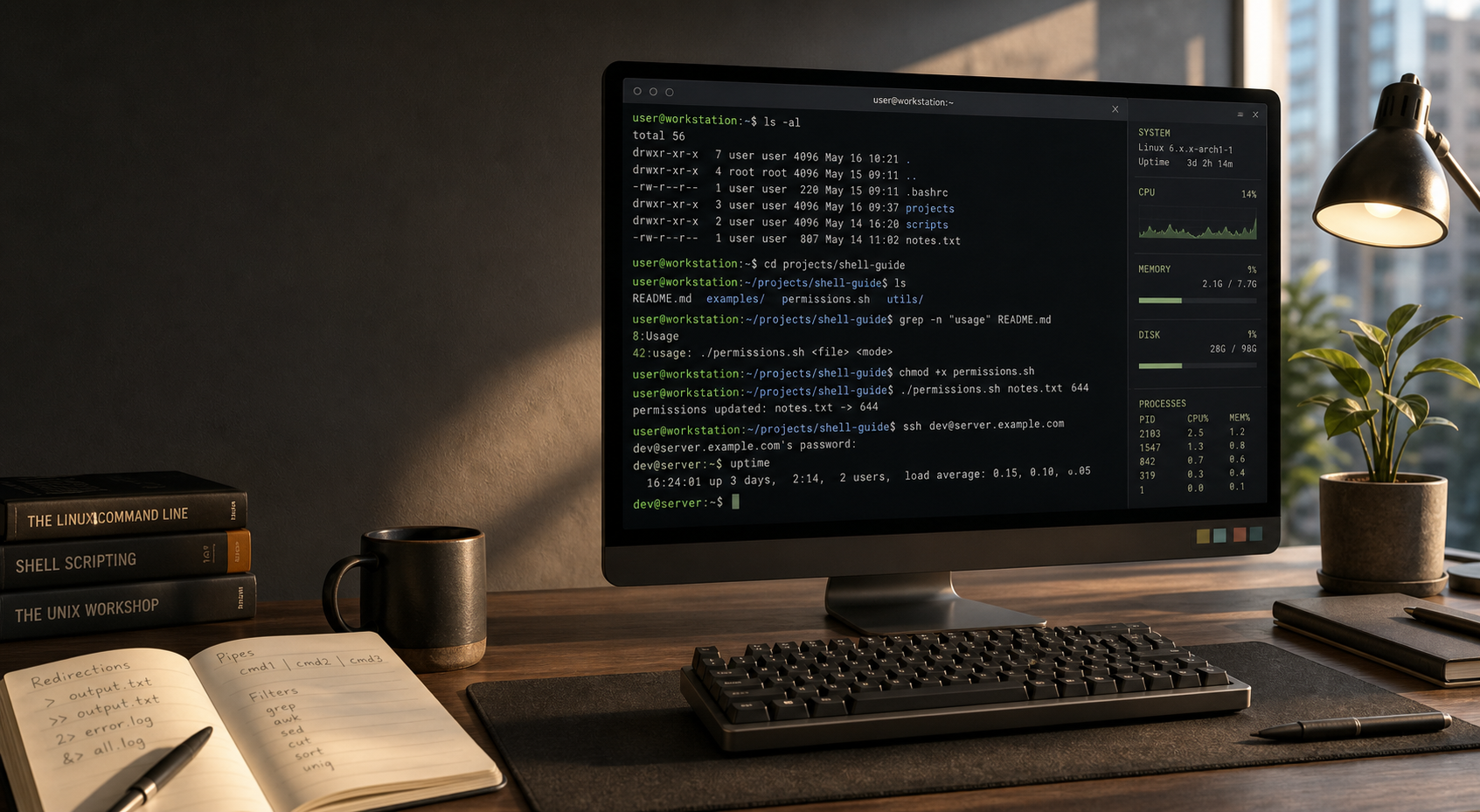
user@linux:~$ learn --shell
The shell is the fastest way to talk to a Linux system: inspect files, combine tools, automate work, and understand what your computer is actually doing.
You usually open a terminal app first. The terminal is the window; the shell is the program inside that window that reads your commands and runs them.
The terminal is the app you open, such as GNOME Terminal, Konsole, Terminal, Windows Terminal, or another command-line window.
The shell runs inside the terminal. Common Linux shells include bash, zsh, and fish.
The prompt shows that the shell is ready. It often includes your username, host, current folder, and a $ or # symbol.
Look for a terminal app. Once it opens, you will see a prompt where you can type commands such as pwd or ls.
Linux desktopOpen the app menu and search for Terminal, Console, or Konsole. On many desktops, Ctrl + Alt + T opens it.macOSOpen Applications, then Utilities, then Terminal. macOS uses a Unix shell, so most basic commands feel similar.WindowsInstall or open WSL, then launch Ubuntu or another Linux distribution from Windows Terminal.ServerUse ssh user@server from an existing terminal to open a shell on a remote Linux machine.Open Terminal, then try:
$ pwd
/home/ada
$ whoami
ada
$ echo "Hello, shell"
Hello, shellMost shell work is navigation, inspection, filtering, and moving data between programs.
pwdPrint the folder you are currently in.ls -laList files, including hidden files and permissions.cd projectsMove into another directory.grep -R "TODO" .Search files recursively for matching text.chmod +x script.shMake a script executable.man tarOpen the manual page for a command.$ pwd
/home/ada/projects
$ ls -la
drwxr-xr-x app
-rw-r--r-- README.md
-rwxr-xr-x deploy.sh
$ grep -R "listen" app
app/server.js: server.listen(3000)
$ ./deploy.sh
Building site...
Done.The shell becomes powerful when commands are combined. You can filter output, save it to a file, or select many files with patterns.
ps aux | grep nginx sends the output of one command into the input of the next.
echo hello > note.txt writes output into a file. Use >> to append instead.
cp *.txt archive/ matches every filename ending in .txt in the current folder.
A bash script is a file of shell commands. Start with a shebang, make the file executable, then build up from variables, parameters, conditions, loops, and helper programs.
#!/usr/bin/env bash
This tells the system to run the file with bash when you execute it directly.
"$file"
Quotes keep filenames with spaces from being split into separate words.
$() for command output
It stores command output clearly and can be nested inside other commands.
#!/usr/bin/env bash
set -euo pipefail

site_dir="public"
backup_dir="backup"

mkdir -p "$backup_dir"
tar -czf "$backup_dir/site.tgz" "$site_dir"

echo "Backup written to $backup_dir/site.tgz"Create hello.sh. The first line chooses bash, and the second line prints text.
$ cat hello.sh
#!/usr/bin/env bash
echo "Hello, world!"

$ bash hello.sh
Hello, world!chmod +x adds execute permission. After that, ./hello.sh runs the file from the current directory.
$ chmod +x hello.sh
$ ./hello.sh
Hello, world!A script can call the same commands you type manually. This example prints a heading, then lists files with newest files at the bottom.
echo appears first, followed by the output of ls -ltr.echo "Latest files:"
ls -ltr
$ bash list.sh
Latest files:
-rw-r--r-- README.md
-rwxr-xr-x hello.shread name waits for the user to type something. The shell stores it in name, then ${name} inserts the value.
echo "What is your name?"
read name
echo "Hello, ${name}"

$ bash greet.sh
What is your name?
Ada
Hello, Ada$1 is the first script argument, and $@ is all arguments. An array lets you pick one value by number.
args=("$@")
echo "First: $1"
echo "All: ${args[@]}"

$ bash args.sh alpha beta gamma
First: alpha
All: alpha beta gammaEvery command reports success or failure. In bash, 0 means success and nonzero means failure.
$? shows whether the most recent command worked.$ true; echo $?
0
$ false; echo $?
1$() runs a command and stores its output in a variable. This is called command substitution.
arch=$(uname -m)
echo "Architecture: $arch"

$ bash arch.sh
Architecture: x86_64if runs a test and only executes the body when the test succeeds. Keep spaces around [, =, and ].
read name
if [ "$name" = "Ada" ]; then
  echo "Welcome back"
fi

$ bash check-name.sh
Ada
Welcome backUse (( )) for numeric comparisons. It treats values as numbers instead of plain text.
age=21
if (( age >= 18 )); then
  echo "Adult account"
fi

$ bash age.sh
Adult account> writes output to a file. A here-document writes several lines until a marker such as EOF.
README.md, then cat shows what was written.cat > README.md <<EOF
# Project Notes
Generated by a script.
EOF
$ cat README.md
# Project Notes
Generated by a script.A for loop repeats a command for every matching item. Quote "$file" so filenames with spaces still work.
.txt file gets a matching .bak copy.for file in *.txt; do
cp "$file" "$file.bak"
done
$ ls
notes.txt
notes.txt.bak! flips success and failure. This loop keeps checking until grep finally finds the word.
success.while ! grep "success" /tmp/status; do
sleep 30
done
echo "Ready"
$ bash wait.sh
success
Ready& starts a command in the background, so the script continues immediately. $! remembers the process ID.
sleep 60 &
pid=$!
echo "Started as $pid"

$ bash background.sh
Started as 18421A function names a reusable block of shell code. Arguments passed to the function become $1, $2, and so on inside it.
greet() {
  echo "Hello, $1"
}
greet "Ada"

$ bash function.sh
Hello, Adatrap lets a script react to signals such as Ctrl + C. Use it to print a message or clean up temporary files.
Ctrl + C runs your cleanup function instead of ending silently.cleanup() {
echo "Cleaning up"
}
trap cleanup INT
while true; do sleep 1; done
$ bash trap.sh
^C
Cleaning upThese programs process text streams: grep finds lines, awk prints fields, sed replaces text, tr swaps characters, and wc -l counts lines.
$ printf "red apple\nblue sky\n" | grep blue
blue sky

$ echo "Ada 42" | awk '{print $2}'
42

$ echo "old name" | sed "s/old/new/"
new name

$ printf "a\nb\n" | tr '\n' ' '
a b

$ printf "one\ntwo\n" | wc -l
2dialog draws simple terminal windows when it is installed. It is useful for scripts that need a yes/no question or a small form.
if dialog --yesno "Continue?" 6 24; then
  echo "Continuing"
else
  echo "Stopped"
fi

$ bash ask.sh
A yes/no dialog opens in the terminal.
ContinuingKeep these close while you build muscle memory.
cd .. moves up one folder.cd ~ returns to your home directory.find . -name "*.log" locates matching files.cat file prints a file.less file opens a scrollable view.tail -f app.log follows new log lines.ps aux lists running processes.kill PID asks a process to stop.top shows live system activity.ssh host opens a remote shell.curl URL fetches a web resource.scp file host:path copies over SSH.pwd and inspect matches with ls. A few seconds of checking can save a lot of rebuilding.